Inbox Help Desk · Features
See how fast you really reply
First reply time, time to resolve, busy hours and each person's numbers, by day or by week.
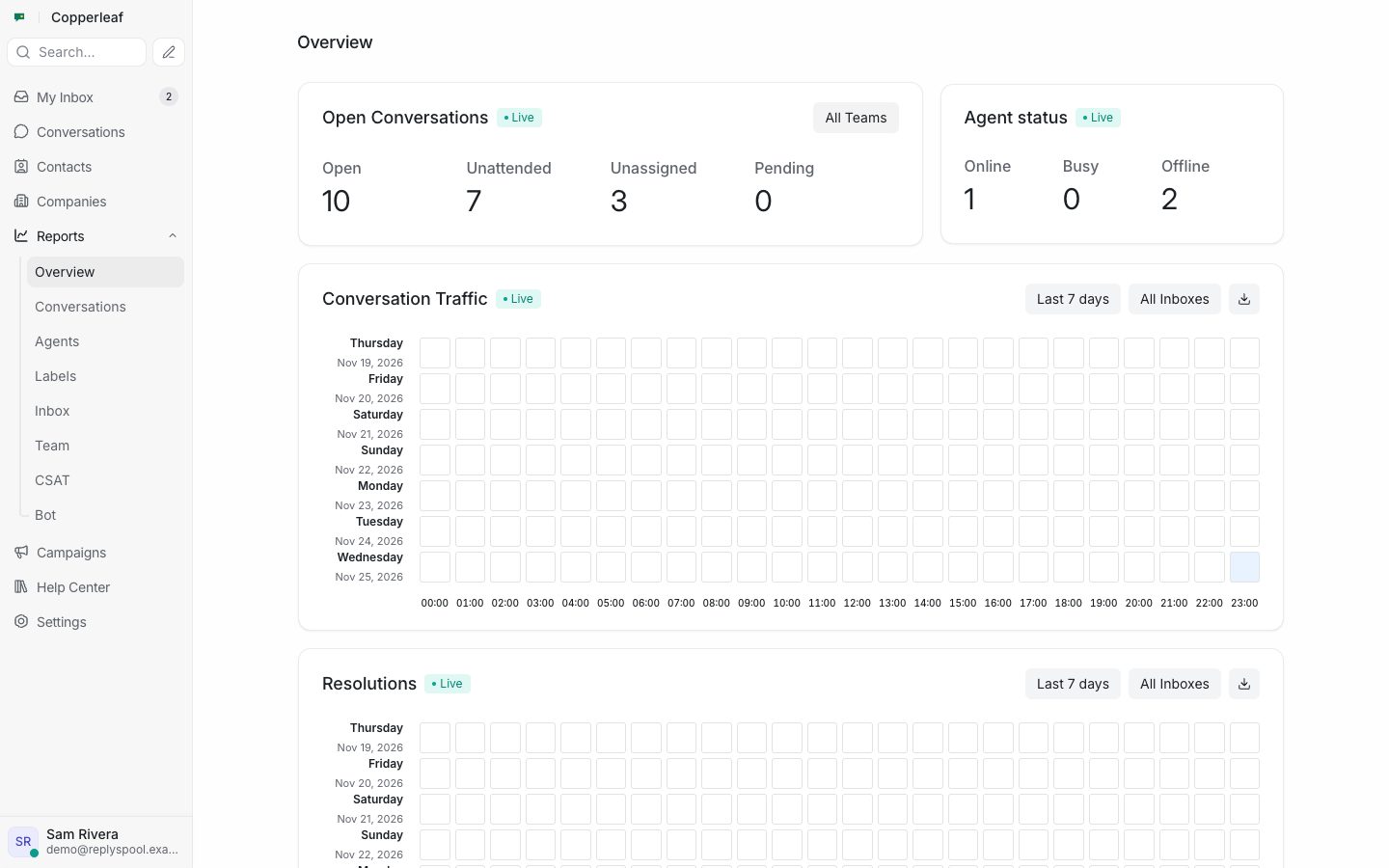
A real screen of Inbox Help Desk, with sample data.
The overview shows open, unattended and unassigned conversations right now, and who's online. Conversation reports show first reply time, time to resolve and how many came in, by hour or day.
Break it down by person, team, inbox or label. A satisfaction survey goes out when a conversation is resolved, and the scores have their own report. Reports download as a spreadsheet.
- Agent, team, inbox and label reports
- Satisfaction surveys after a chat
- Download as a spreadsheet
How to use it
- Open Reports.
- Pick the period and how to break it down.
- Download it if you need it somewhere else.
More in Inbox Help Desk
Shared inbox
Chats, emails and DMs sit in one list, newest first. Filter by channel, label, team or who it's assigned to.
Saved replies and macros
Type a slash, pick the answer, send. Write it once and the whole team uses it.
Automations
Rules run when a message comes in: label it, send it to the right team, answer outside office hours.