Inbox Help Desk · Features
The boring routing happens by itself
Rules run when a message comes in: label it, send it to the right team, answer outside office hours.
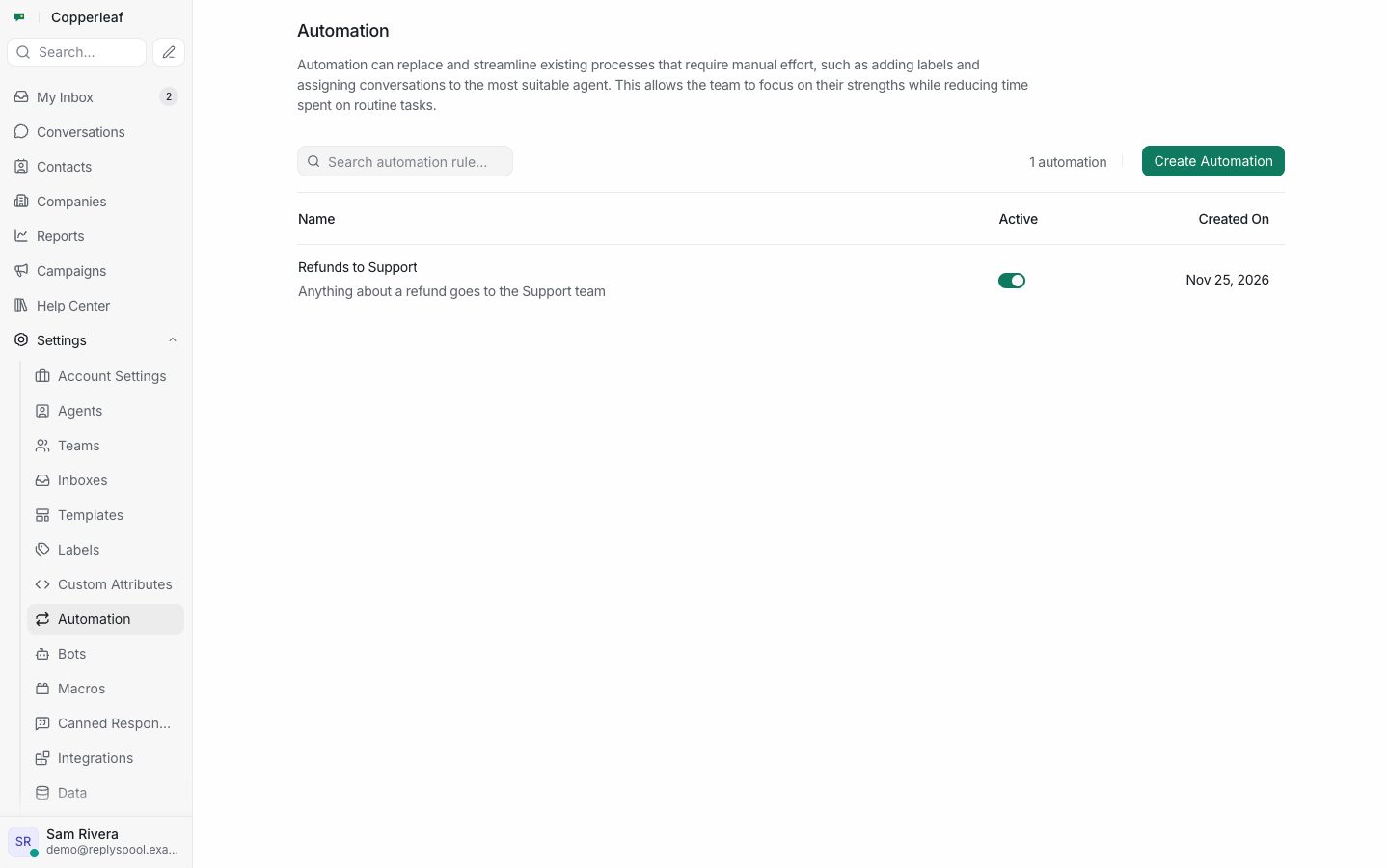
A real screen of Inbox Help Desk, with sample data.
A rule runs when something happens, like a new conversation or a new message. You pick the conditions (the message mentions a refund, it came from the website) and the actions (send it to a team, add a label, reply).
Auto-assignment shares new conversations between the people who are online. Office hours say when you're open, and an away message answers when you're not.
- If this, then that rules
- Auto-assign so the load is shared
- Office hours with an away message
How to use it
- Settings, Automation, Add rule.
- Pick the event and the conditions.
- Pick what should happen.
More in Inbox Help Desk
Shared inbox
Chats, emails and DMs sit in one list, newest first. Filter by channel, label, team or who it's assigned to.
Saved replies and macros
Type a slash, pick the answer, send. Write it once and the whole team uses it.
Reports
First reply time, time to resolve, busy hours and each person's numbers, by day or by week.